The SEO and Discoverability Profile unlocks the secrets to making your book effortlessly discoverable online. This profile guides you through leveraging search engine optimization (SEO) and other key strategies to maximize visibility and attract a wider audience. It covers in-depth keyword research, on-page and off-page SEO tactics, optimizing metadata, utilizing social media for SEO, acquiring high-quality backlinks, and interpreting SEO analytics. With this comprehensive guide, you'll be equipped to enhance your book's online presence, ensuring it reaches and engages your target audience effectively.
Unleash the full potential of your book with targeted profiling.
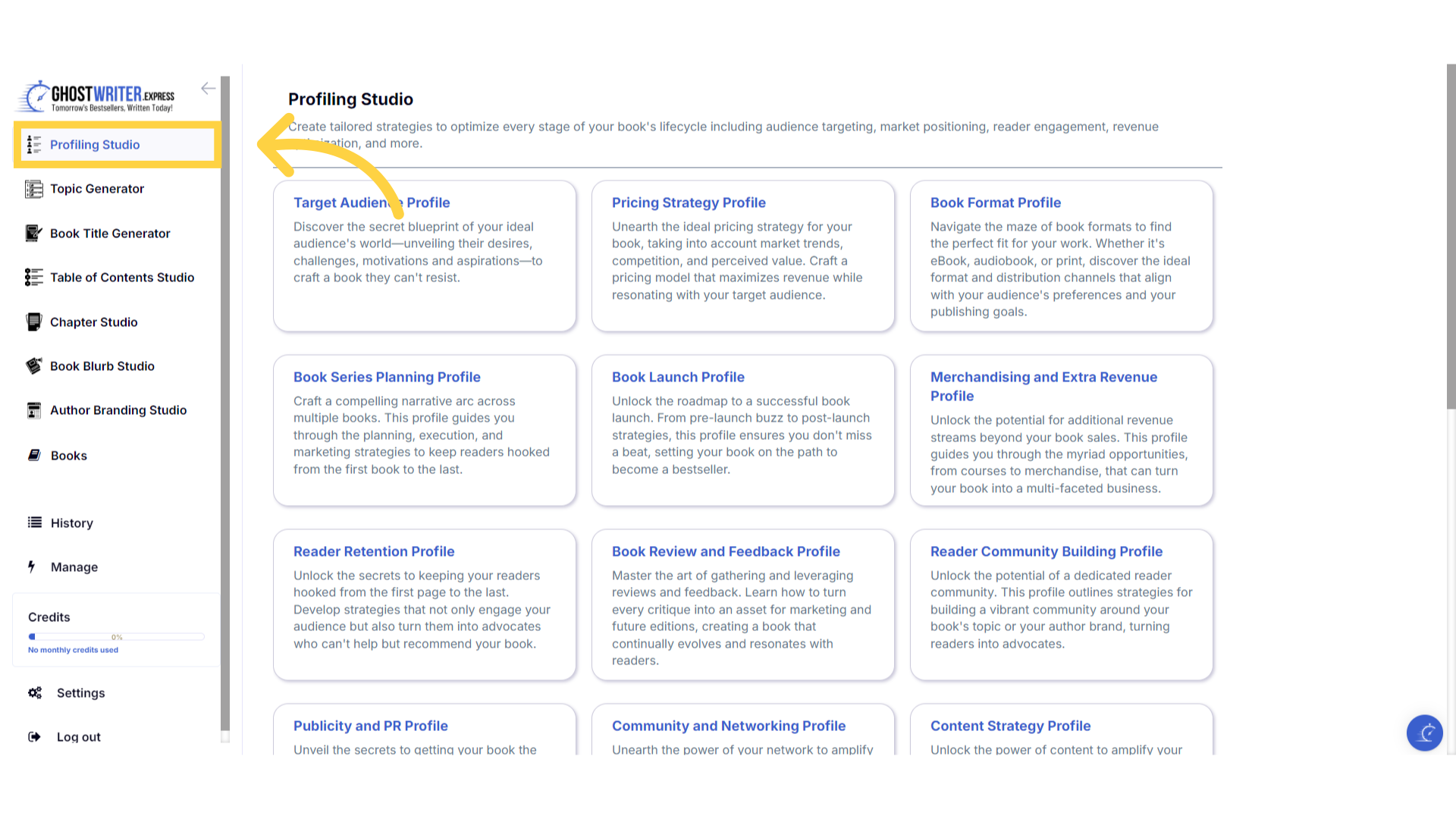
Click "Profiling Studio"
Welcome to the Profiling Studio. In this section, you'll find a range of templates designed to help you create tailored strategies, to optimize every stage of your book's lifecycle.
)
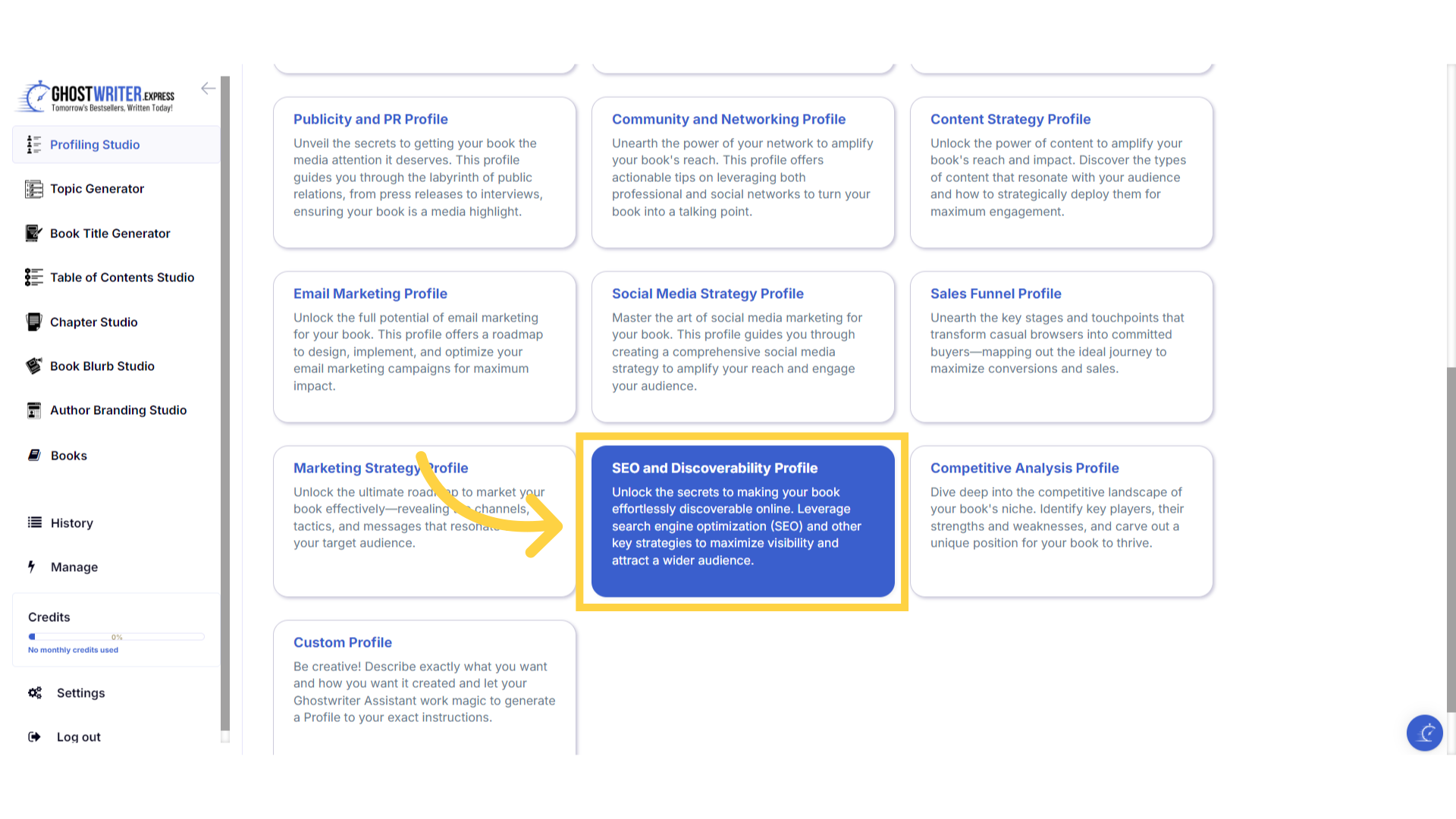
Select "SEO and Discoverability Profile"
The S-E-O and Discoverability Profile unlocks the secrets to making your book effortlessly discoverable online. This profile guides you through leveraging search engine optimization and other key strategies to maximize visibility and attract a wider audience. It covers in depth keyword research, on page and off page S-E-O tactics, optimizing metadata, utilizing social media for S-E-O, acquiring high-quality backlinks, and interpreting S-E-O analytics. With this comprehensive guide, you'll be equipped to enhance your book's online presence, ensuring it reaches and engages your target audience effectively.
)
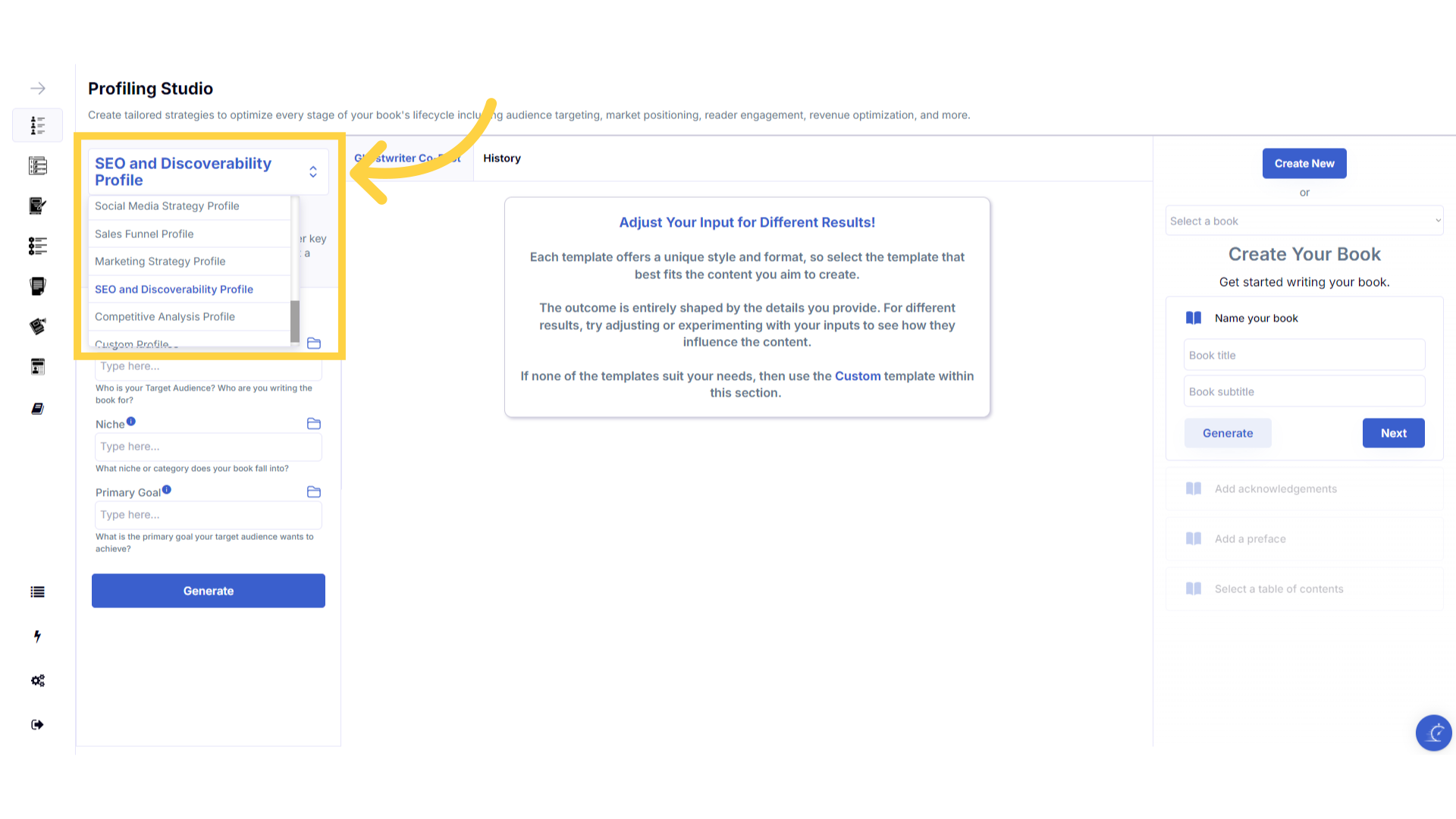
Click "Template Name" in the dropdown menu to change between the templates.
Click on the template name to open the dropdown menu, to select and change between the templates within the Profiling Studio.
)
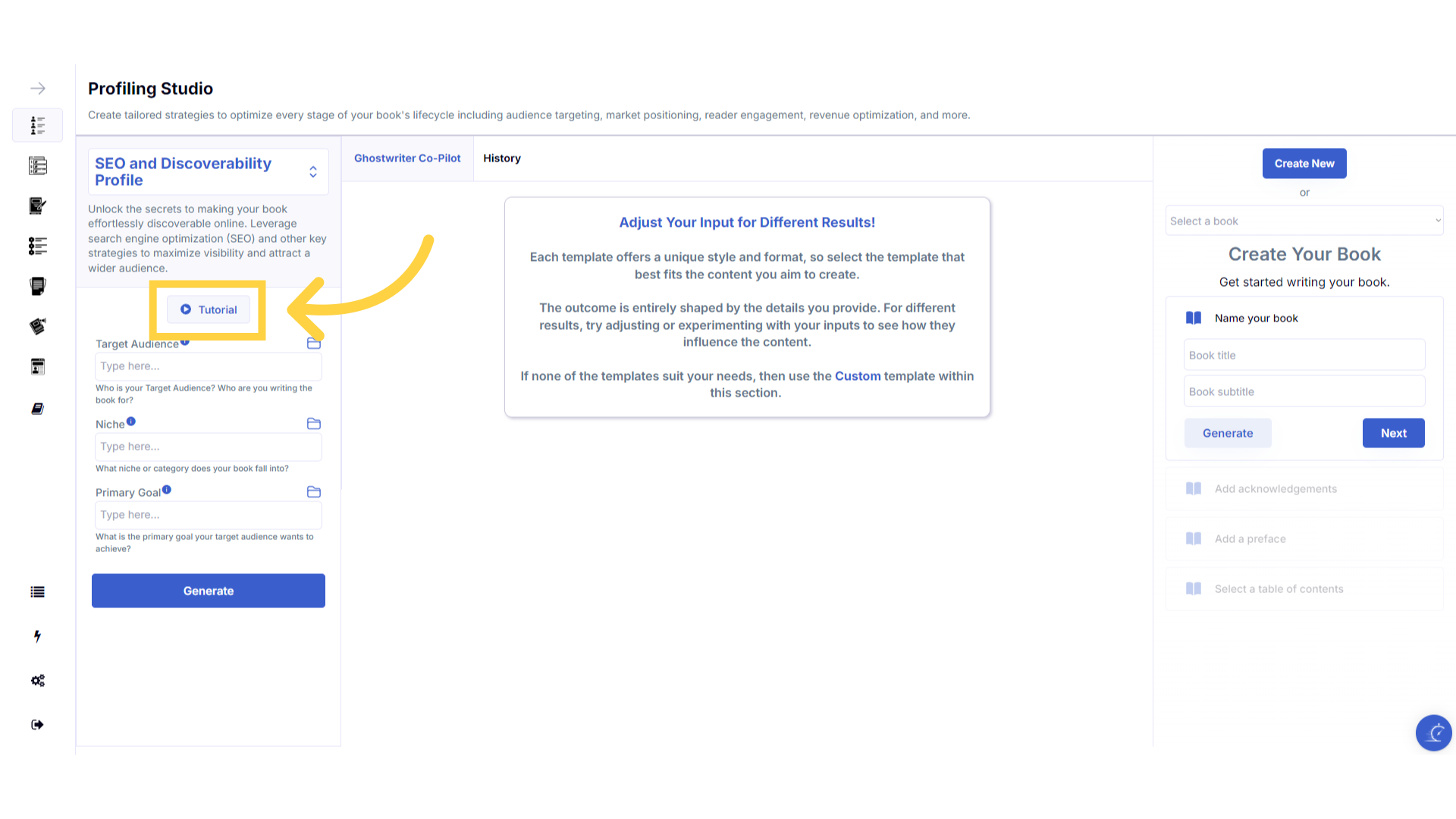
Click the "Tutorial" button to learn more about how to use the template.
If you need help at any time you can watch the tutorial.
)
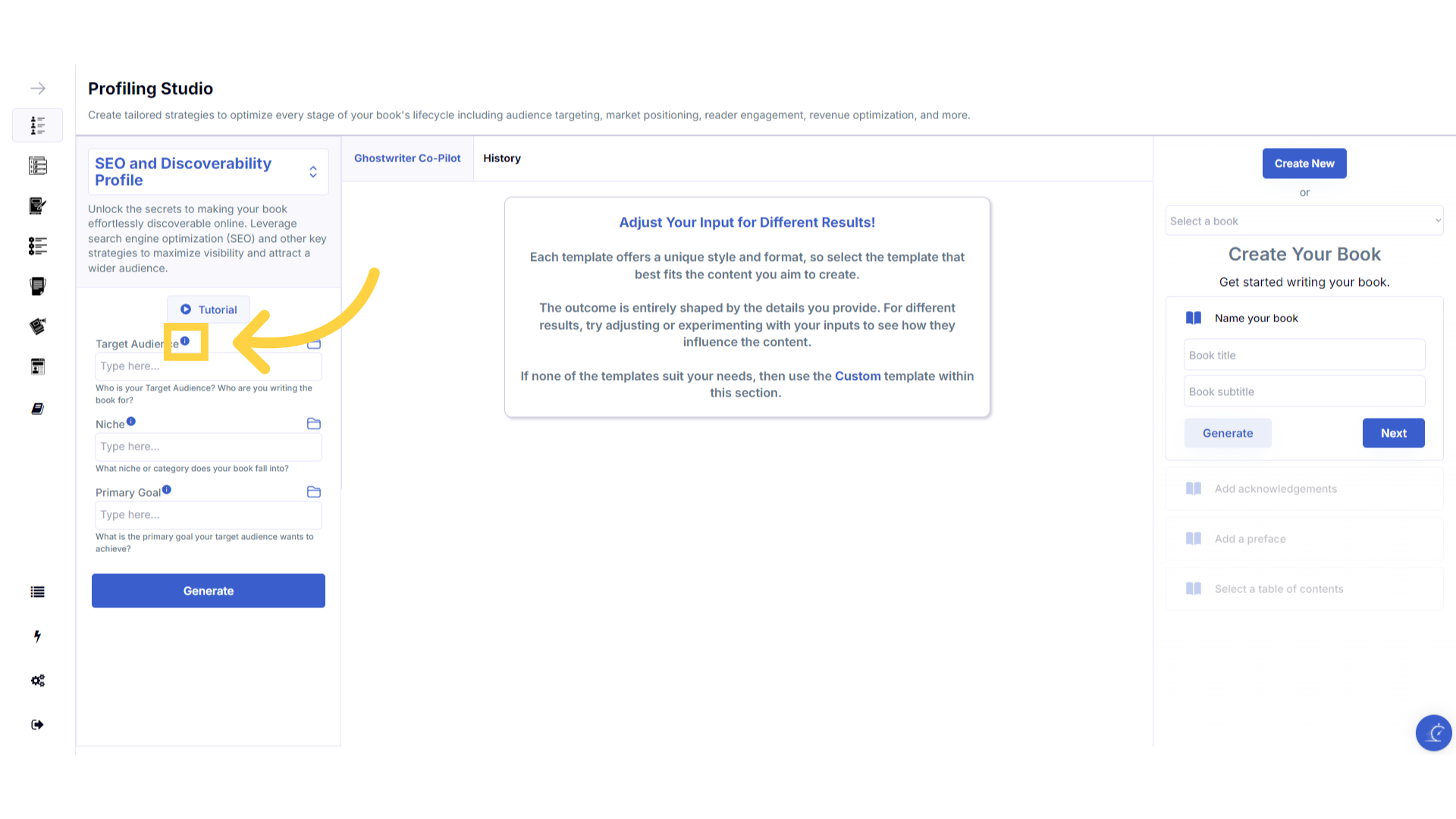
Click the blue "i" icon beside the field name, for an explanation and examples of the information you need to enter in that field.
To help you craft the perfect content, you can select the blue tooltip beside each field name. This will give you an explanation and examples of the information you need to enter in that field.
)
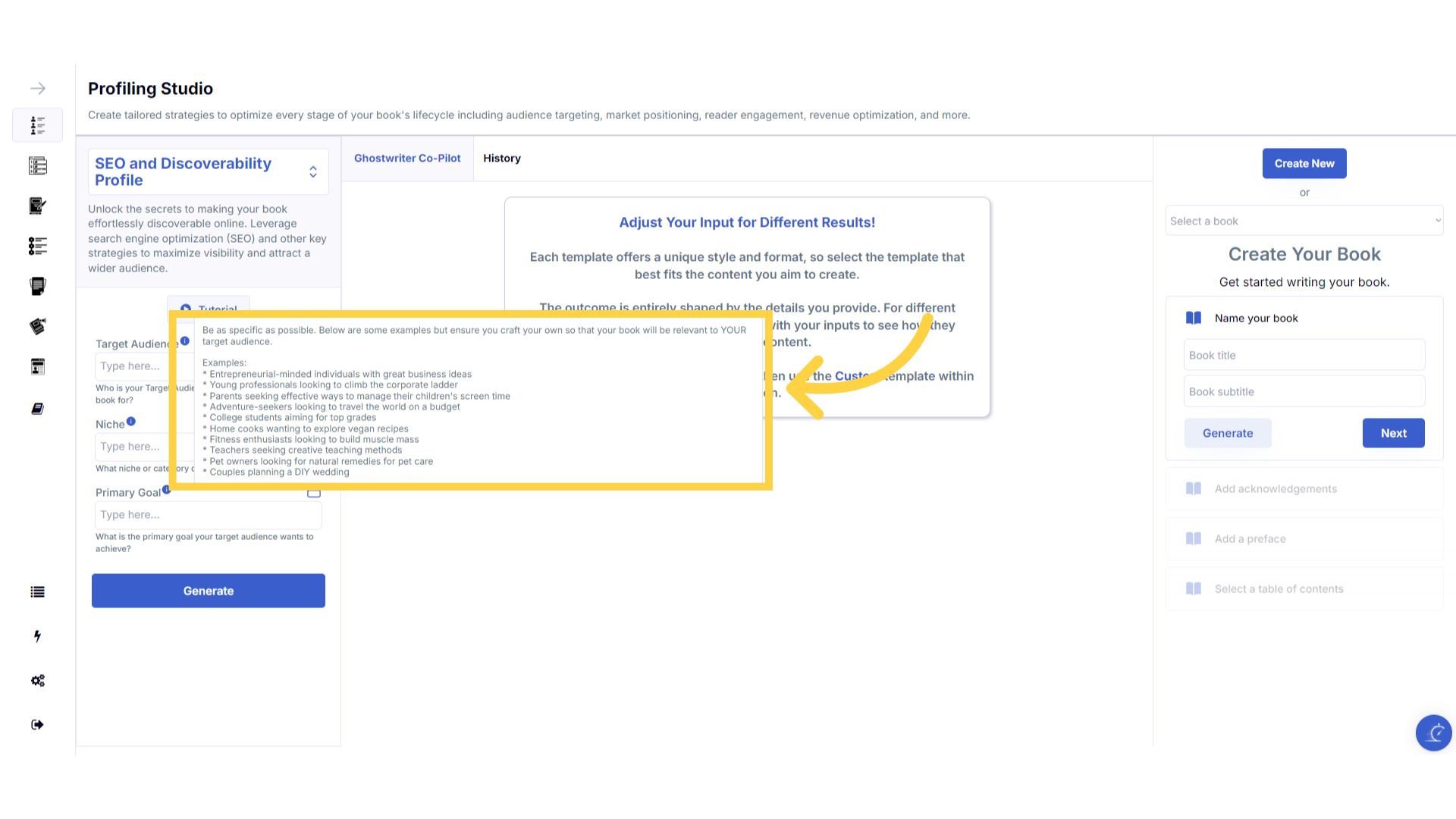
A pop up will display to help you understand what information you need to enter for that field.
A pop up will display with examples of the type of information required.
)
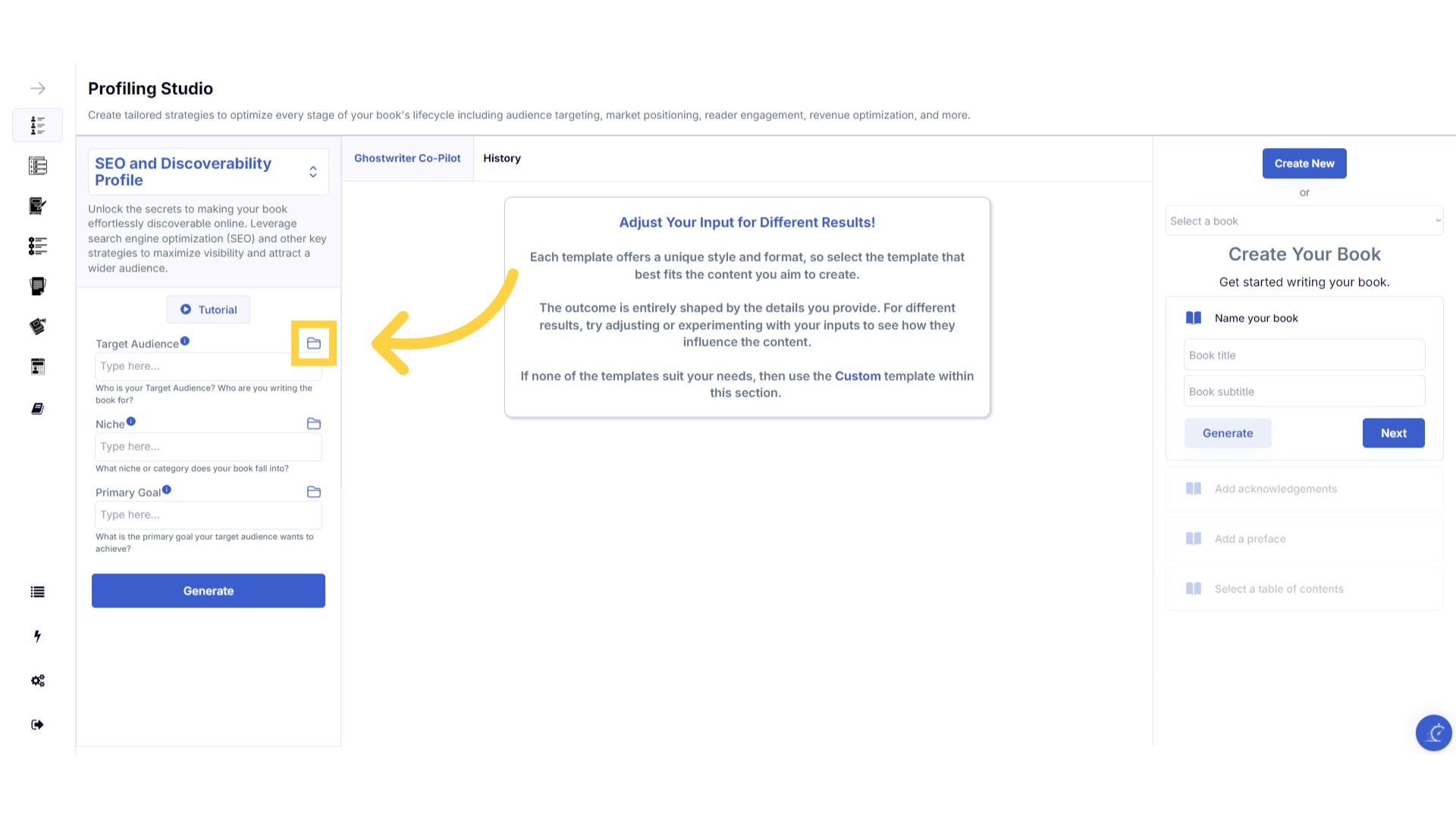
Click the "History" folder to view the last 10 entries for this field.
Once you've added information to a field, a folder will appear on the right that contains the history of the last 10 entries in this field.
)
Click on the "History" folder to easily re-select information you've already entered, and add it to that field.
Click on the history folder to easily re-select information you've already entered, and add it to that field.
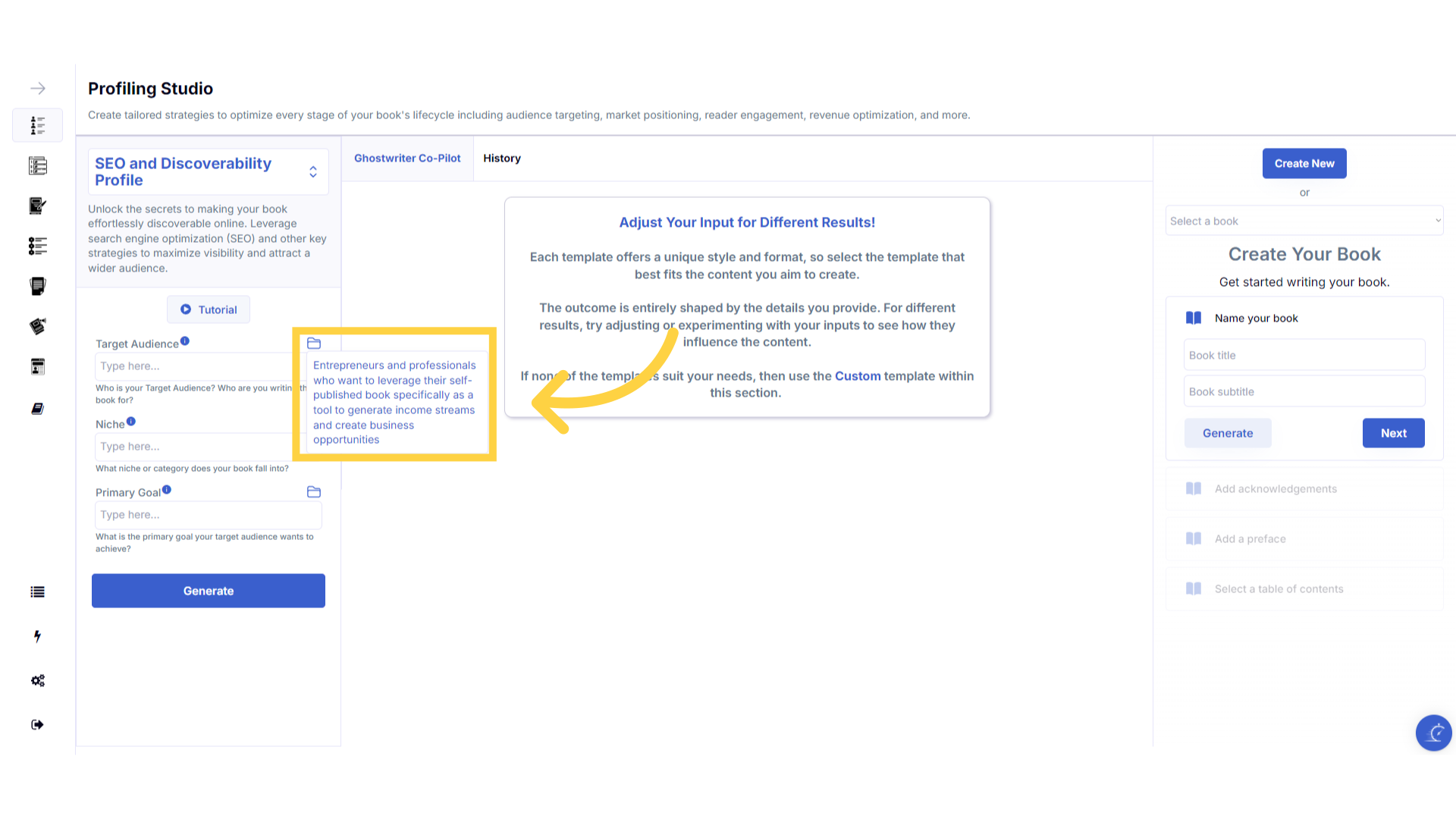)
Enter the required information to generate the Profile.
Enter the required information to generate your customized profile. You can change the target audience and niche to expand your reach to additional audiences, and gain further insights to broaden the impact of your book.
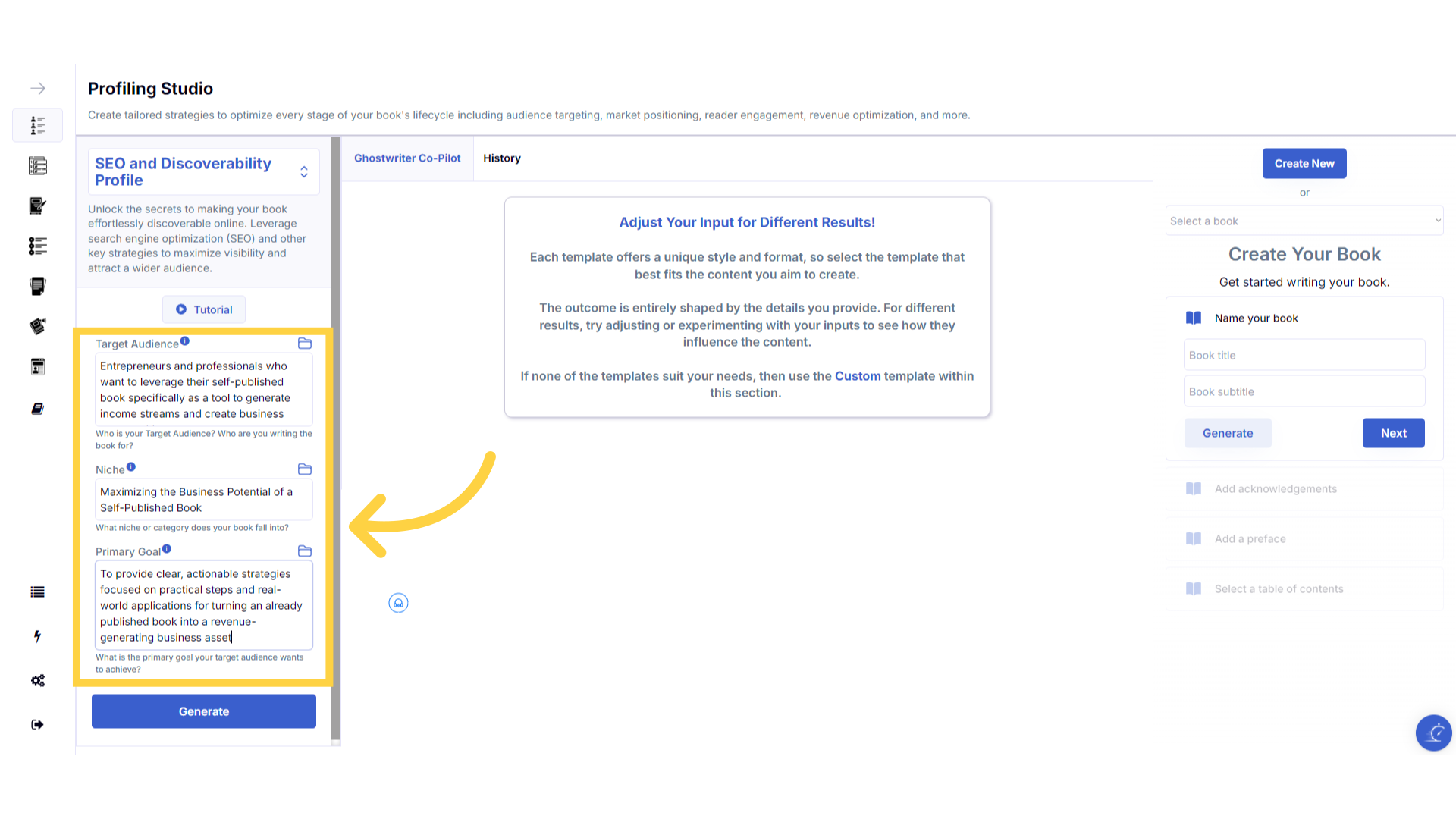)
Click "Generate" to craft the Profile.
You can change the information you provide, and re-generate the content as many times as you need, to build the perfect profiling guide for your book.
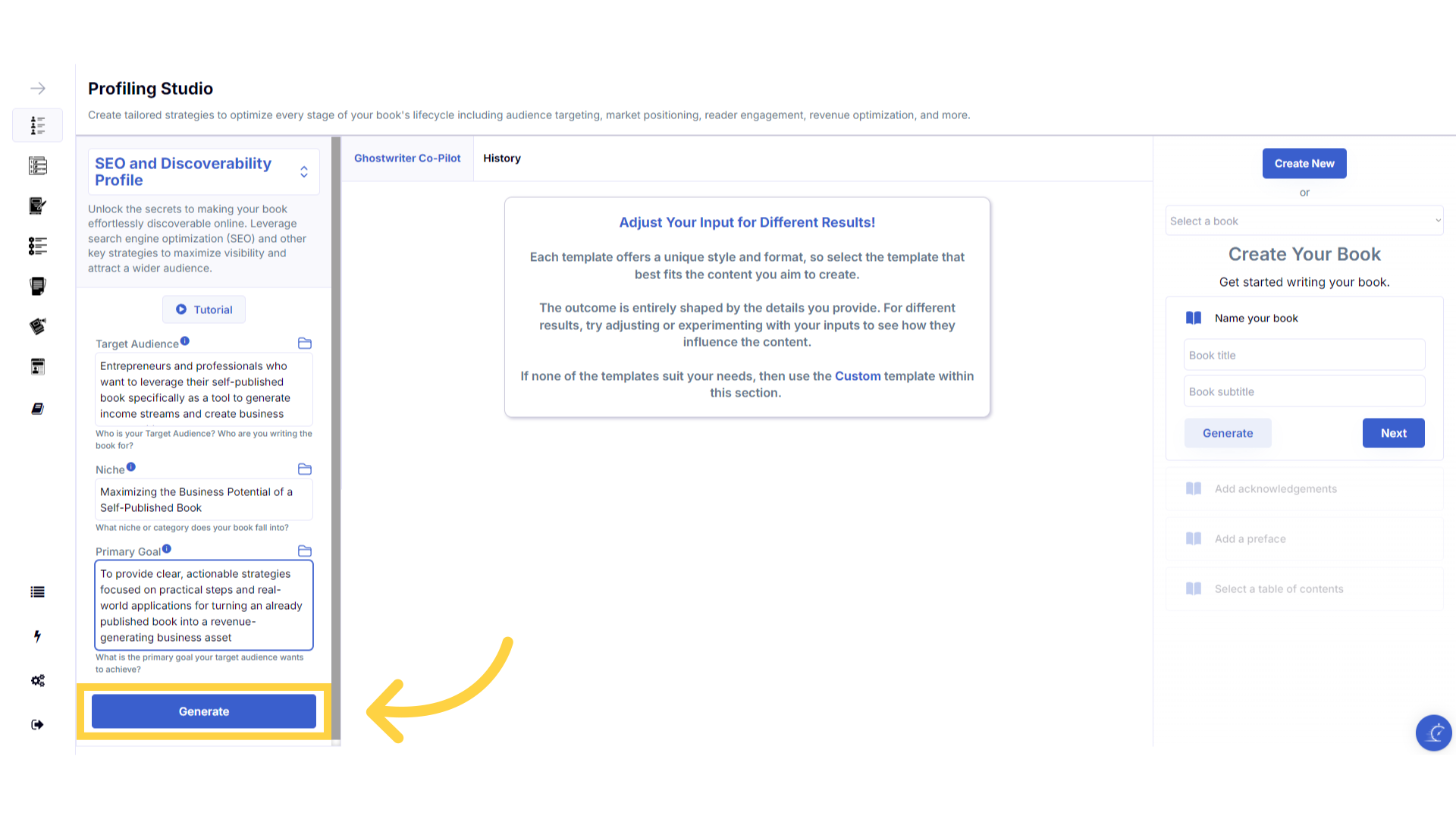)
Click "Copy" to copy the content generated.
Click copy to copy the generated content, and paste it to an external document on your device.
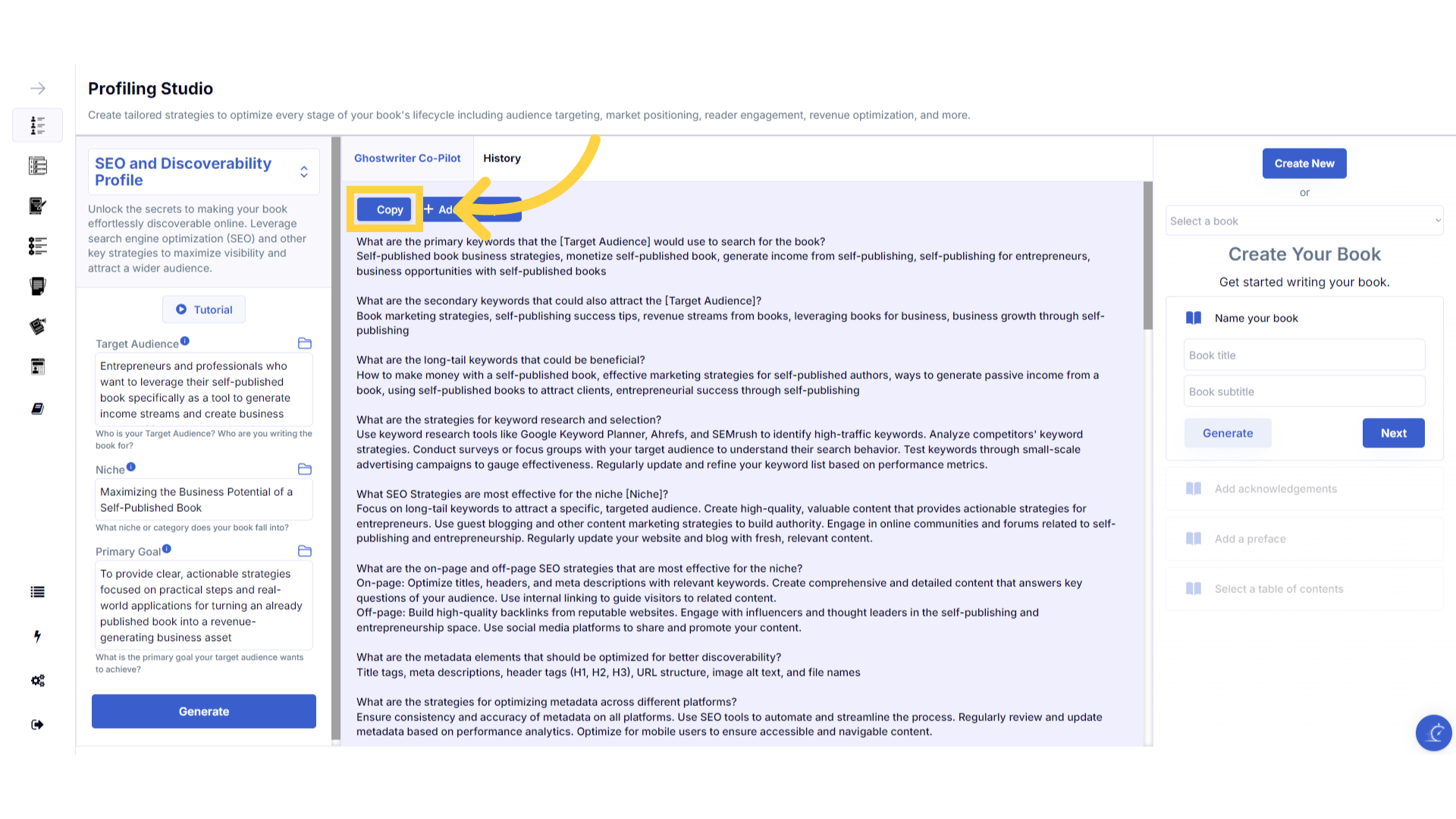)
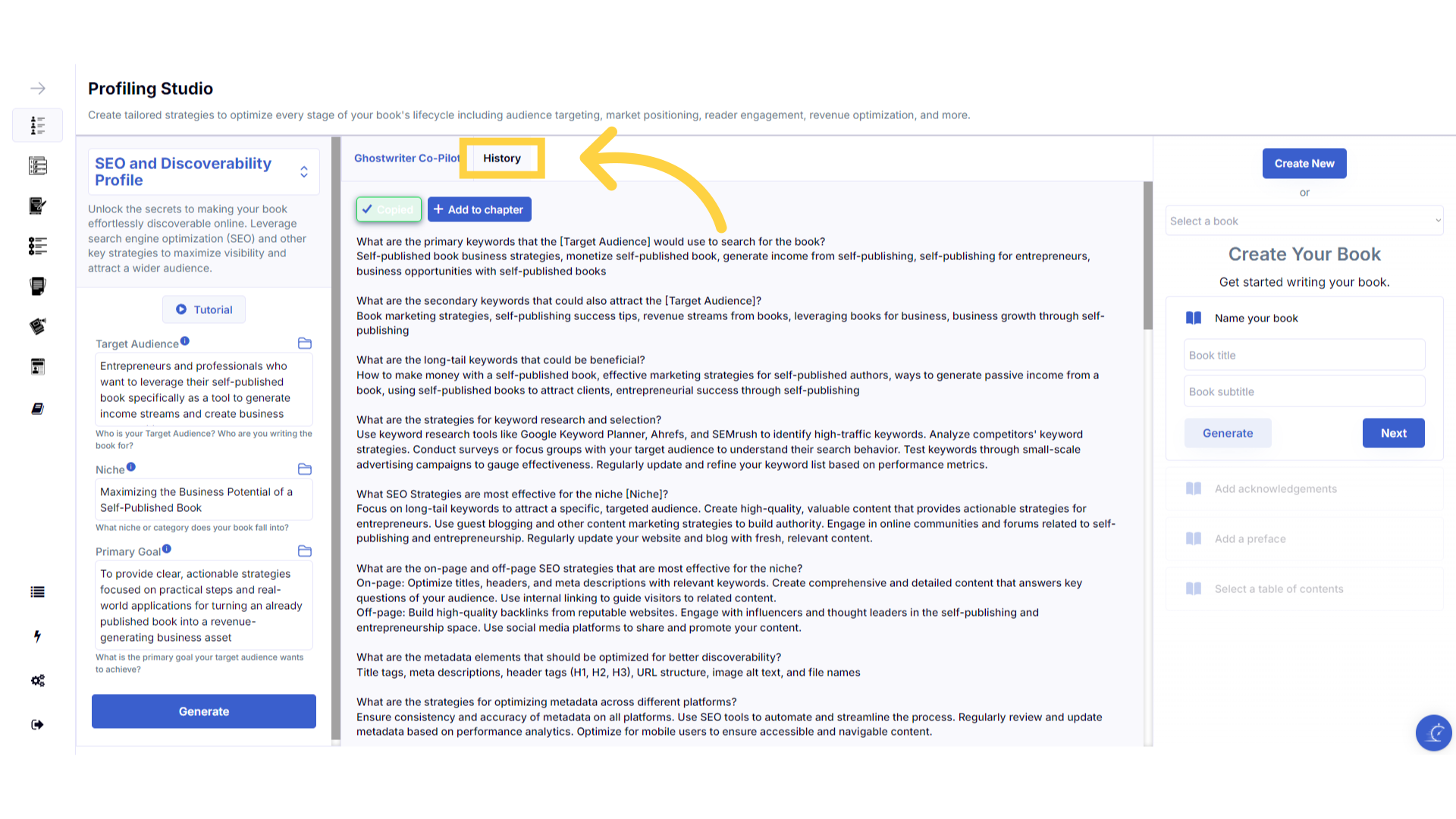
View and copy your previous content generation in the "History" section.
The history stores all of the content you've generated. Select the history button to view and copy all of the past content you've created for this template.
)
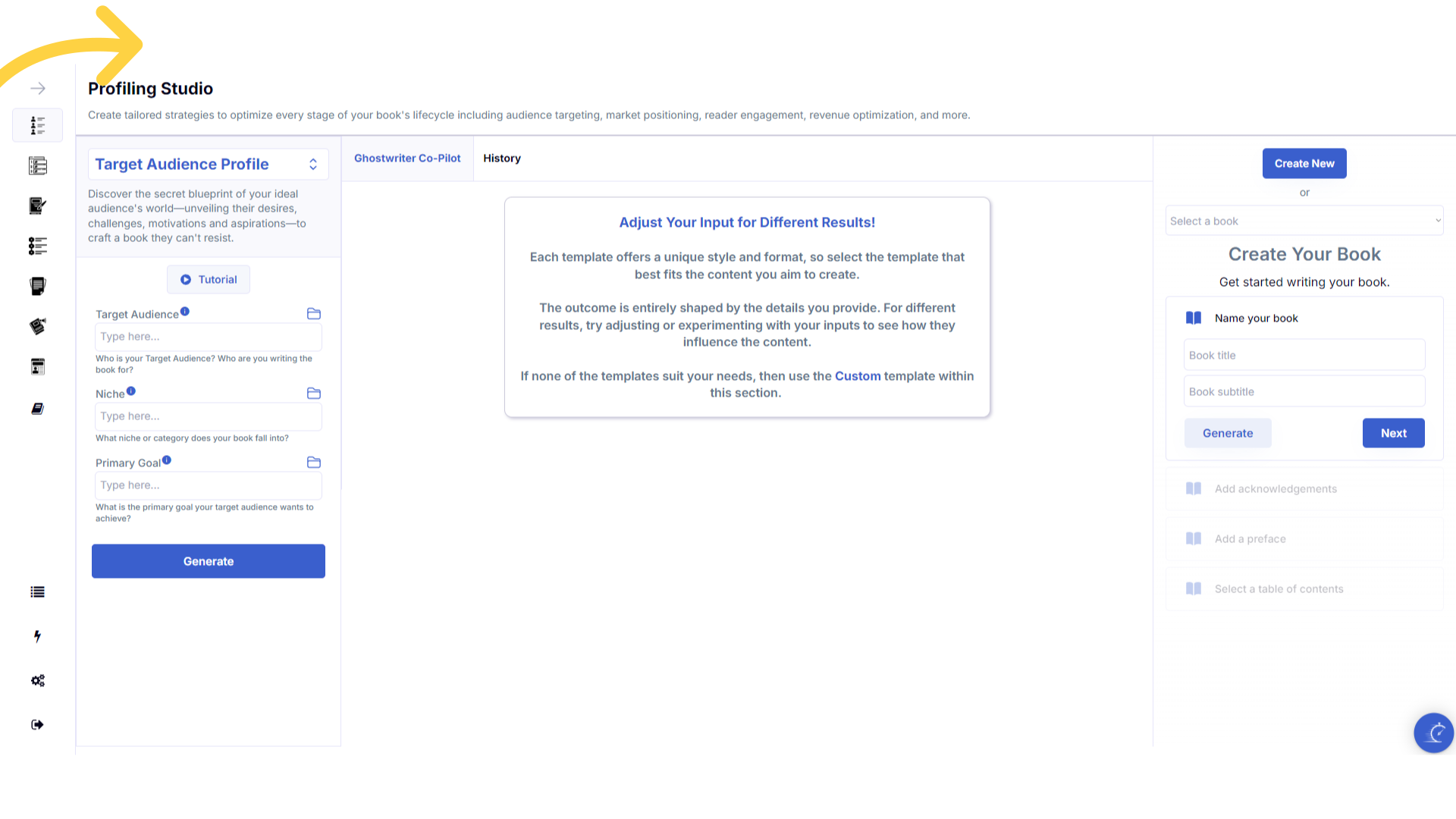
Refresh your browser to reset the dashboard if you are having technical issues.
If you are having a technical issue, refresh the website browser and try again. This usually fixes any issues.
)
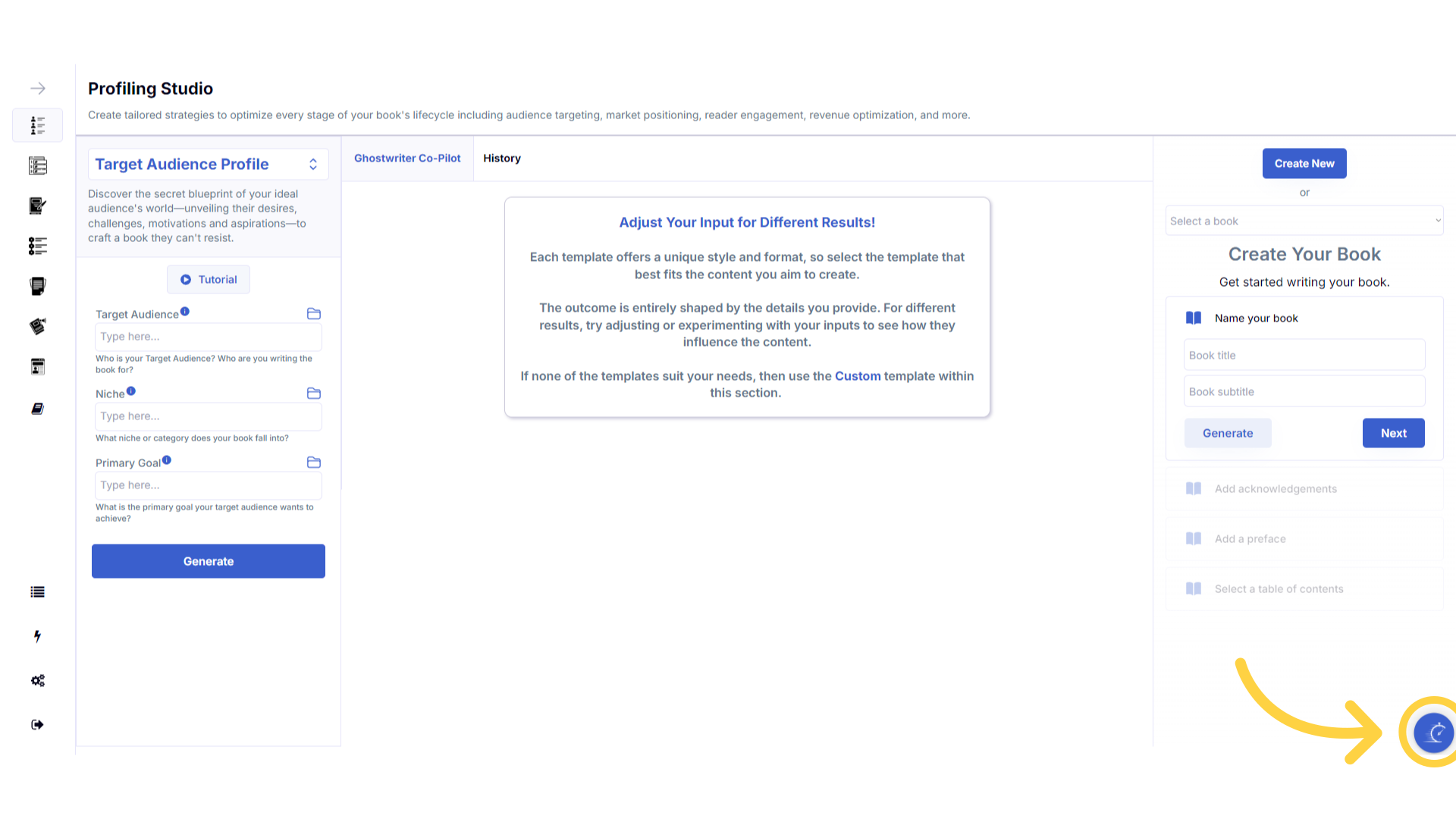
Click the blue icon at the bottom right of your screen.
You can access the help center, tutorials and support by clicking on the icon at the bottom right of your screen.
)
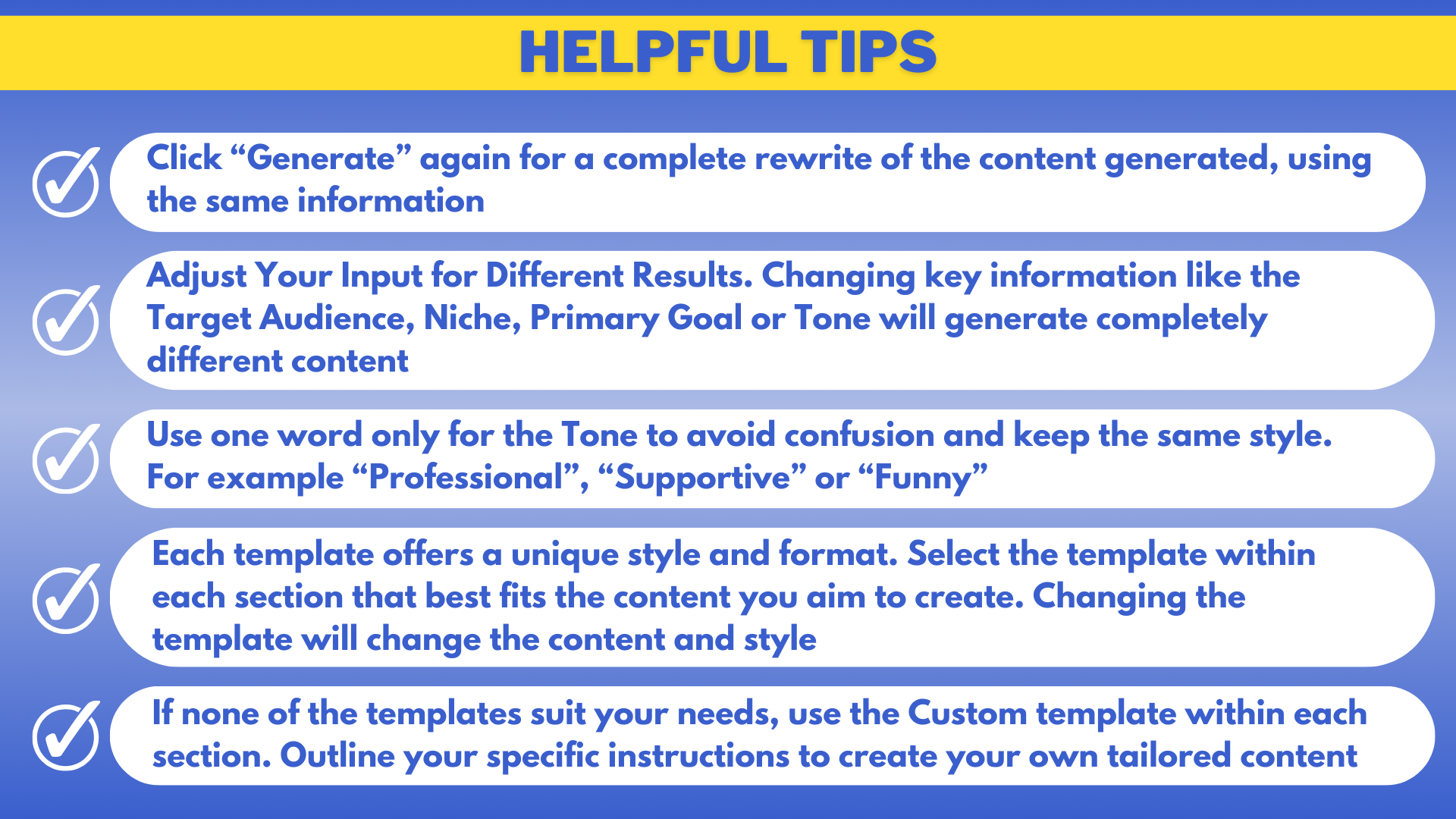
Here are some helpful tips. You can experiment with different information to craft perfectly aligned content.